Streamline Your Slides with the Hardoly Template
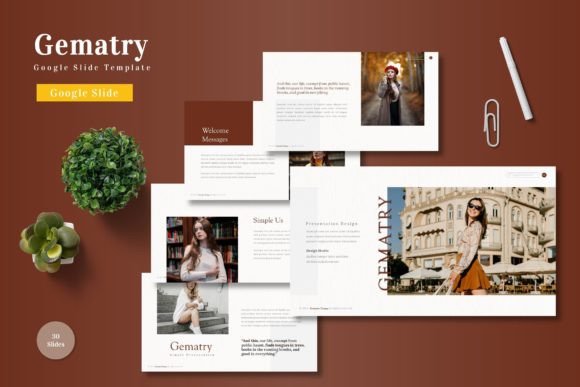
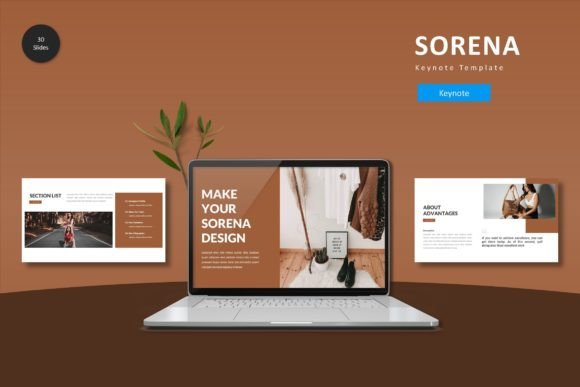
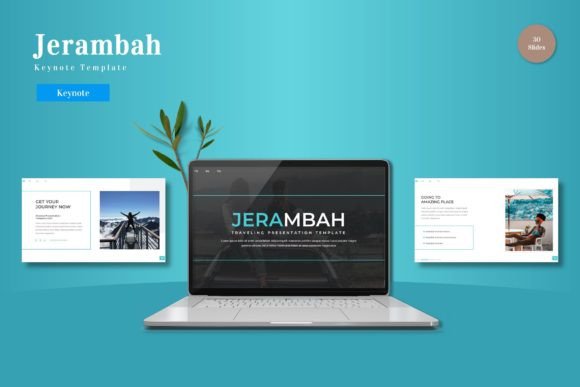
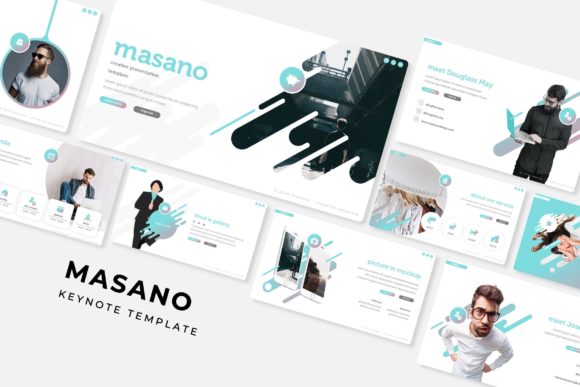
Creating a presentation that truly connects with an audience often feels like a high-wire act. You're balancing the need for clear information with the desire for visual impact, all while trying to maintain a consistent brand voice. The Hardoly - Google Slide Template is designed to take the guesswork out of this process, offering a robust framework of over 150 slides across five premade color schemes. It’s a toolkit built for professionals who need to deliver polished, engaging content without spending hours on design from scratch.
A Foundation for Visual Storytelling
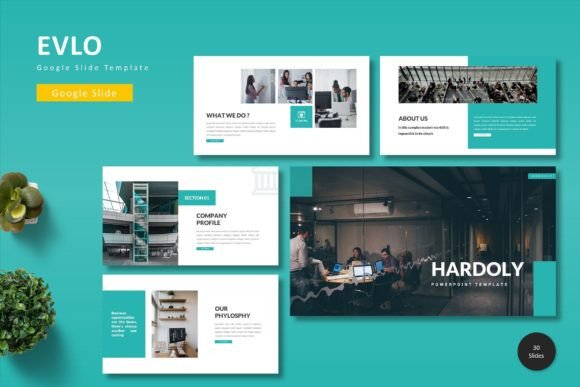
At its core, this template package is about providing structure and flexibility. With 30 unique slides per color variation, you have a dedicated canvas for every part of your narrative—from a powerful title slide to detailed section breaks, data-driven infographics, and clean portfolio layouts. The use of master slides ensures that every element, from font choices to color accents, remains perfectly aligned throughout your deck. This isn't just about looking good; it's about visual consistency, a key component of professional brand identity that builds trust and recognition with your audience.
The real value lies in the practical features. The pixel-perfect illustrations and handcrafted infographics are ready to use but fully editable, allowing you to resize and recolor graphics to match your specific brand identity. The picture placeholder system is a game-changer for efficiency—simply drag and drop your images into pre-formatted frames. This kind of thoughtful design asset saves immense time, letting you focus on your message rather than technical formatting. Whether you're a small business owner outlining a quarterly plan or a content creator pitching a new series, the template adapts to your workflow.
Beyond the Boardroom: Creative Applications
While perfect for corporate presentations, the versatility of a well-structured template like this extends far into creative and marketing realms. Consider its use in developing cohesive marketing assets. A social media manager could use the gallery slides to plan a visual campaign grid, ensuring each post has a consistent aesthetic. A blogger might leverage the clean layouts to create downloadable media kits or lead magnet PDFs that look professionally designed.
For entrepreneurs and crafters, the applications are equally powerful. Use the template to design lookbooks for a product line, create printable instruction sheets for a DIY kit, or develop a digital catalog. The editorial layouts are ideal for designing simple e-books or workshop guides. Because the graphics are resizable and editable, you can easily repurpose elements for packaging design mockups, poster concepts, or even merchandise planning. The template acts as a central hub for visual development, ensuring your social media graphics, website banners, and print materials all share the same design DNA.
Practical Tips for Effective Implementation
To get the most out of any template, a strategic approach is essential. Start by selecting the color variation that best aligns with your project's mood and existing brand palette. Before diving into content, take a moment to review the font pairing suggestions included in the readme file. Good typography is the backbone of readability and professional presentation. If you're using the template for a brand overhaul, consider how the slide structures can be adapted to present your logo, mission statement, and key offerings in a logical flow.
Don't feel constrained by the original slide purposes. A "section break" slide can become a powerful quote graphic for Instagram. An infographic slide can be simplified into a single chart for a blog post. The goal is to use the design assets as a starting point, not a rigid cage. Always test your final presentation on the device it will be shown on—check for readability from the back of a room or on a mobile screen. This attention to detail is what separates a good presentation from a great one, enhancing audience engagement and making your ideas more memorable.
Ultimately, tools like the Hardoly - Google Slide Template are about empowering you to communicate with clarity and style. They handle the heavy lifting of design fundamentals, freeing you to concentrate on what truly matters: your story, your message, and your connection with the audience. In a world where visual communication is paramount, having a reliable, flexible, and professional starting point is an invaluable asset for any creator or business professional.